
Utilities
Compress Photo & Save Space

- iPhone
- iPad
Screenshots


About Compress Photo
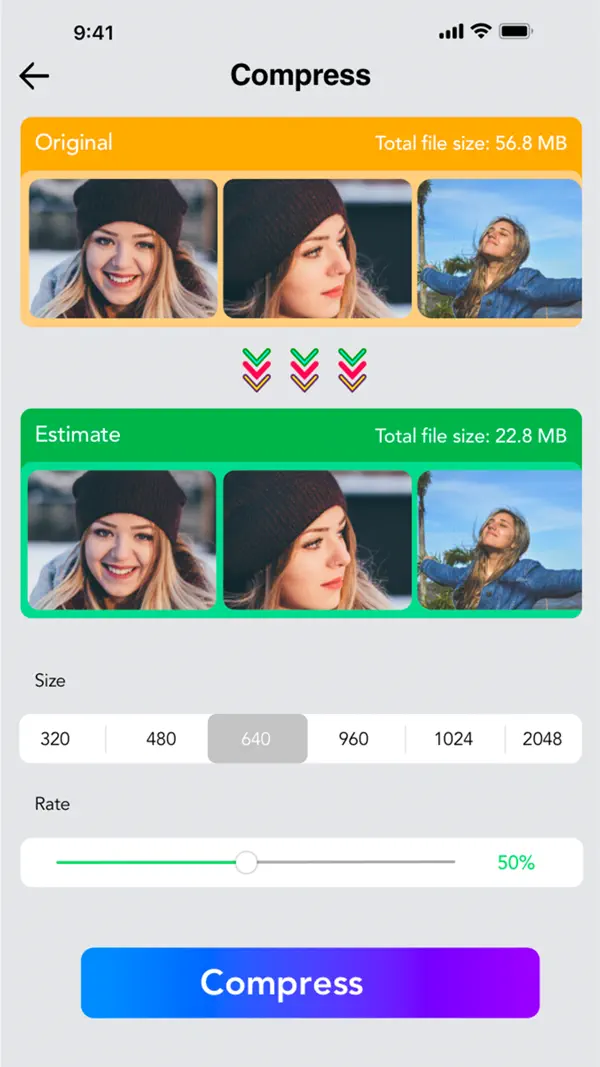
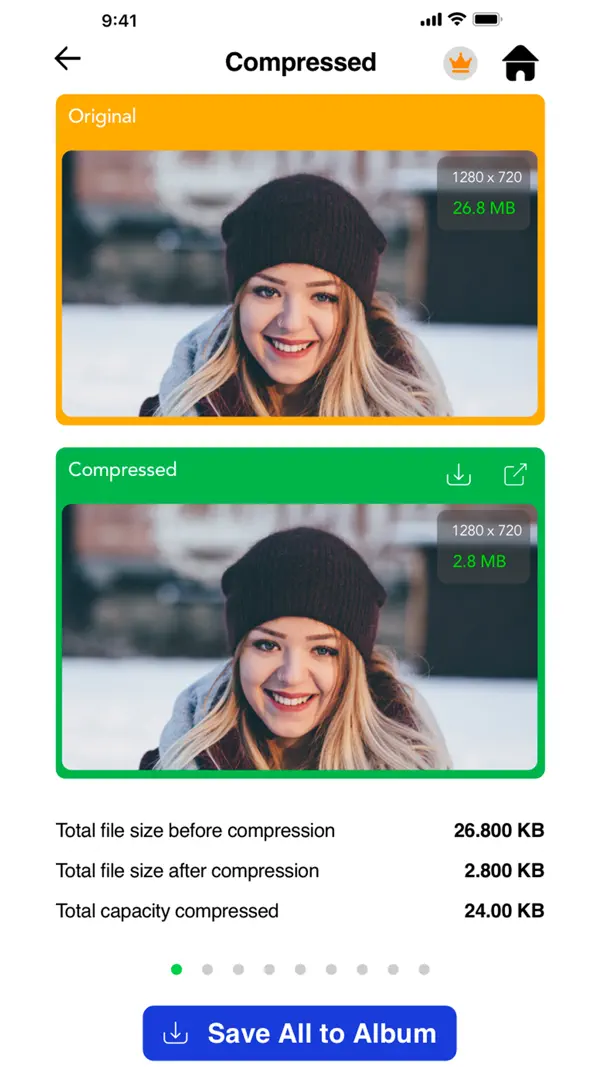
Save storage space on your iPhone or iPad by compressing your photos and reducing their size without reducing their quality.
6 REASONS TO USE COMPRESS PHOTOS
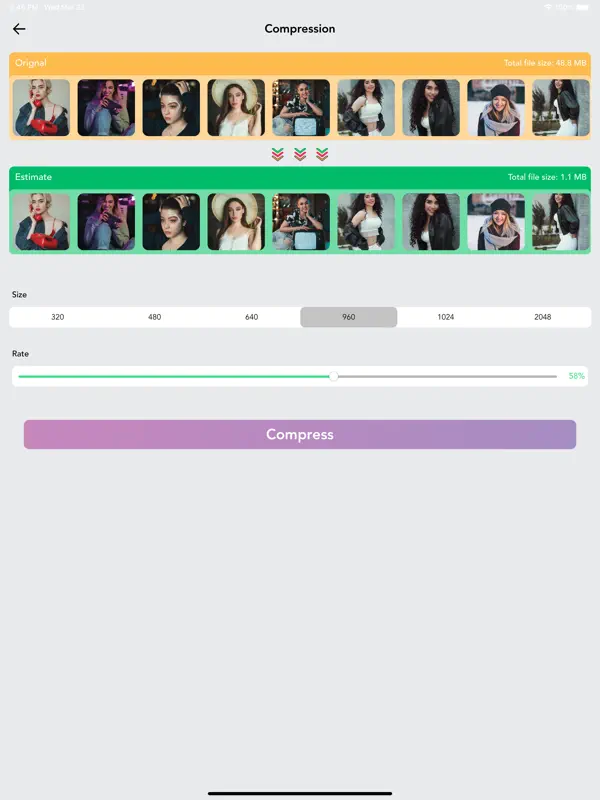
- Save space on your iPhone or iPad by reducing photos file size
- Optimized for best image quality possible
- Shrink photos to share them faster with friends and family
- Quickly compress photos before posting them to social media
- Very easy to use
- Find every compressed photo in its own “Compressed Photos” album
SAVE SPACE ON YOUR iPHONE
Are you plagued by the “Storage almost full” alert on your iPhone or iPad? If so, this app can help! Use Compress Photos to shrink the file size of photos and regain storage space on your device. When applied to all your pictures, Compress Photos can help you store up to 10 times more photos on your iPhone or iPad.
KEEP IMAGE QUALITY SHARP
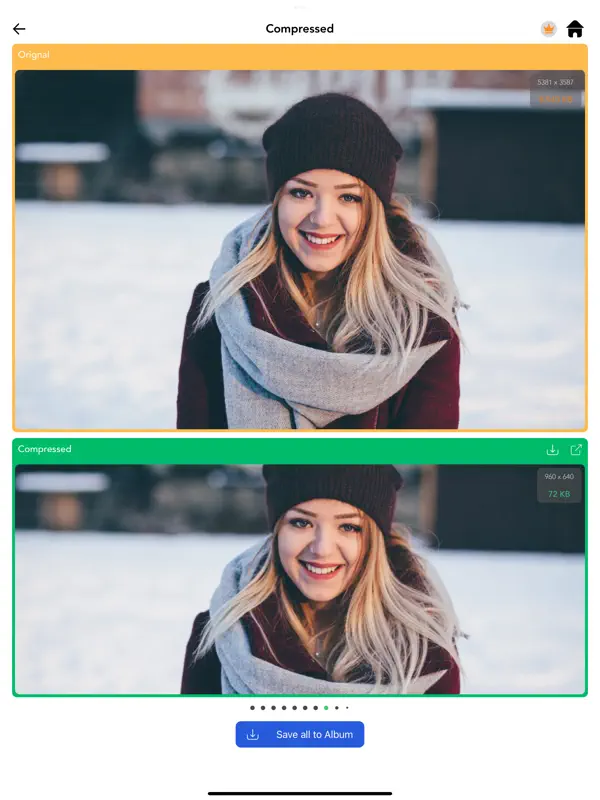
Compress Photos is easy to use but it is incredibly powerful. The intelligent compression engine allows you to reduce the file size of photos without reducing their quality. With two compression settings to choose from, Compress Photos can easily shrink photos by 90% or more without a notable difference.
EASILY LOCATE COMPRESSED PHOTOS
Compressed photos are saved to both your main library and a dedicated album conveniently called “Compressed Photos” on your device, allowing you to easily locate processed pictures. This new album is automatically created when you run the app and save compressed photos to your device.
SUPPORTED FILE TYPES
Compress Photos works with all PNG, JPEG, HEIF, and HEIC image files.
Payment will be charged to your iTunes account at confirmation of purchase and will auto-renew at the same price every year, unless canceled in your iTunes account settings at least 24 hours before the end of the current period. Subscriptions may be managed and auto-renewal may be turned off at any time by going to your account settings after purchase.
Terms of use: https://orlproducts.com/terms.html
Privacy policy: https://orlproducts.com/compressphoto-privacy.html
Information
- Category
- Utilities
- Price
- Free to download
- Requires
- iOS 16.0 or later
- Works on
- iPhone, iPad
- Language
- English
- Version
- 1.3.1, updated March 29, 2025
- Age rating
- 4+
- Developer
- ORIENTPRO (LA Investment and Trade JSC)
Help and policies
Questions about Compress Photo? Write to us at info@orlproducts.com.