Productivity
Lock Screen Notes - Pinbord

- iPhone
- iPad
- Apple Watch
- Widgets
- Control Center
- Siri
- CarPlay
Screenshots
About Pinbord
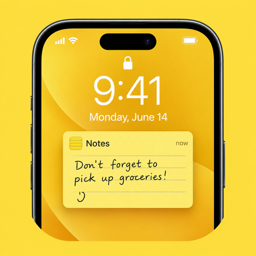
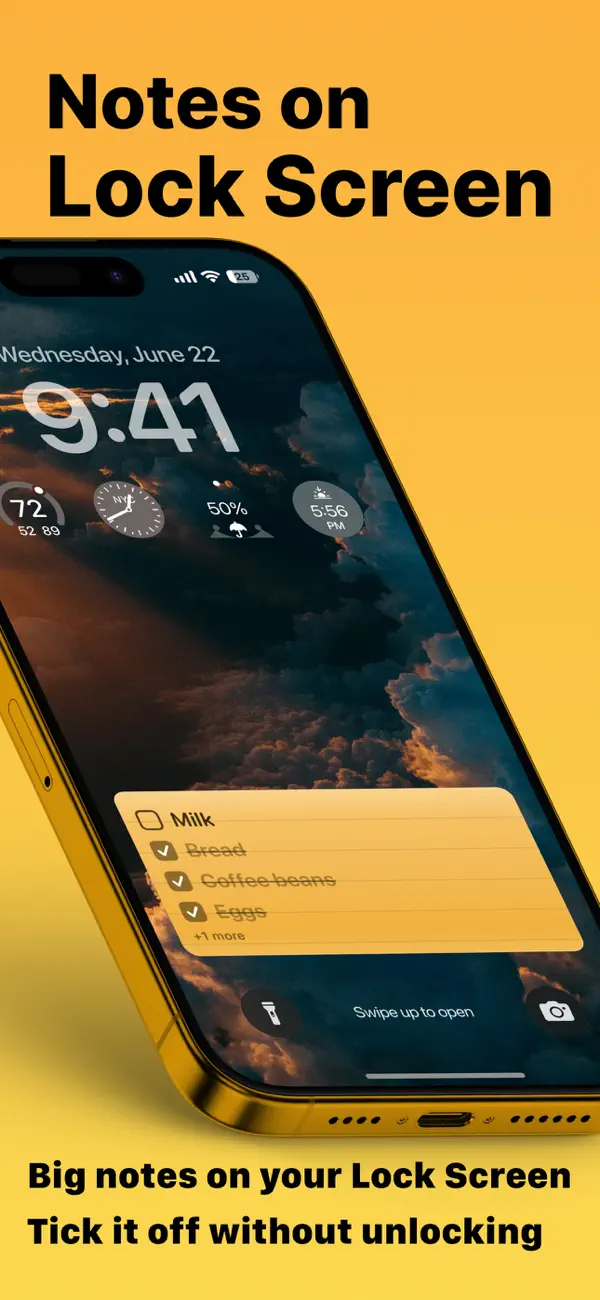
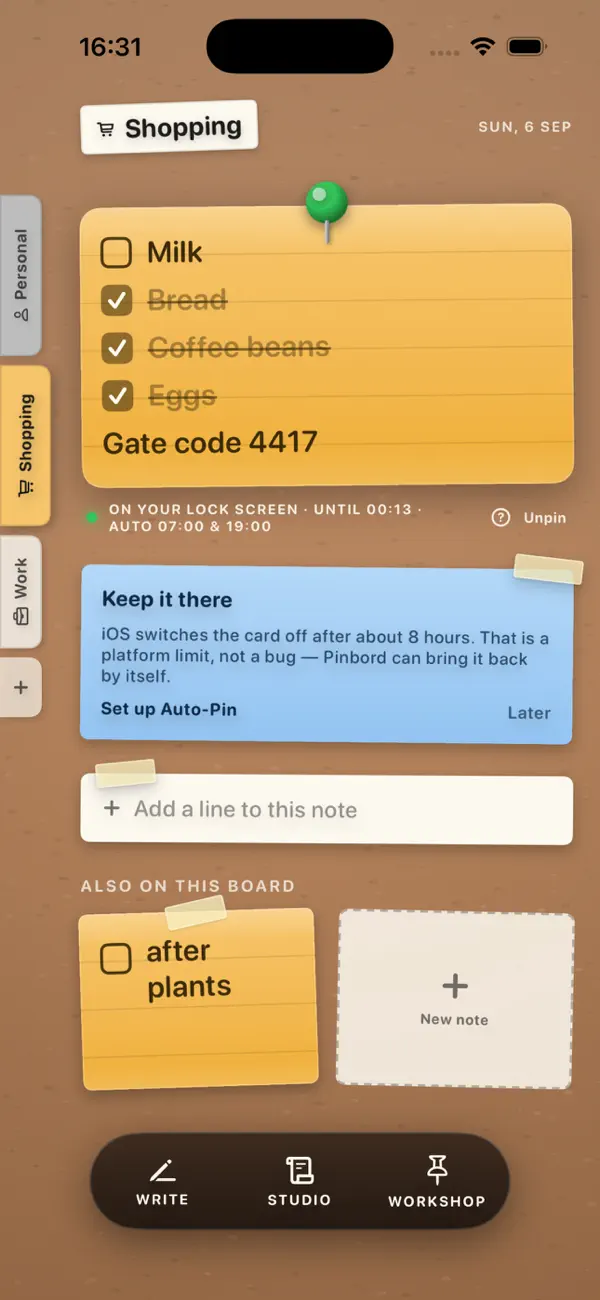
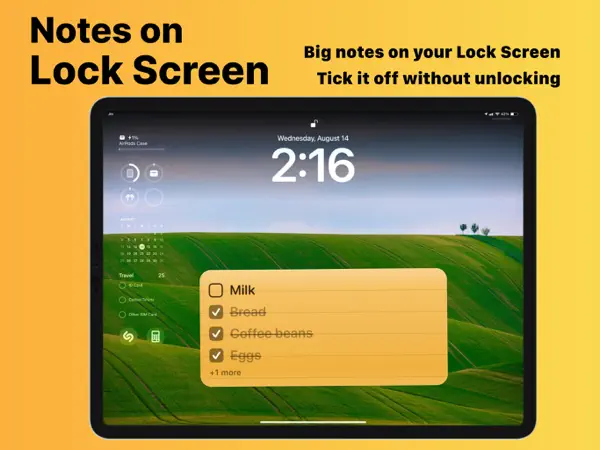
Your note. On your Lock Screen. Every time you pick up your phone. Tick items off without unlocking. No ads, nothing to share to unlock. And unlike every other Lock Screen note app — it comes back by itself.
WHY PEOPLE USE PINBORD
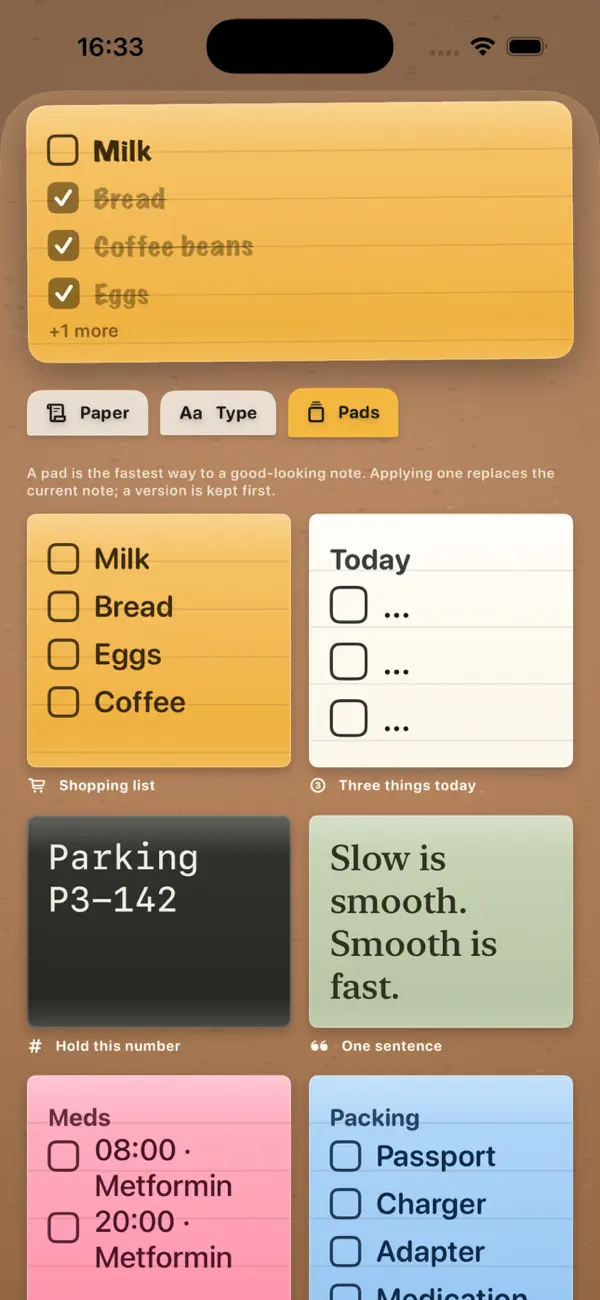
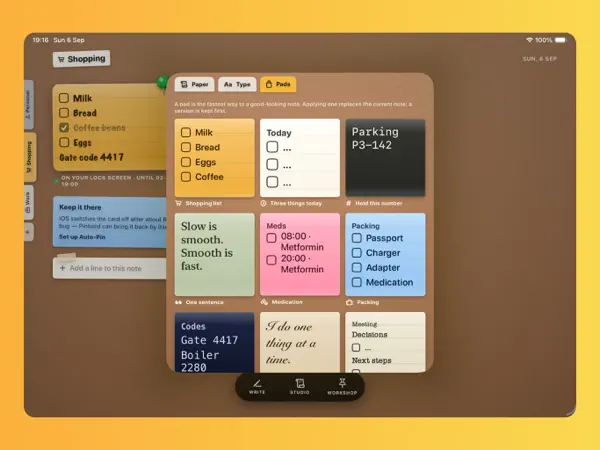
- The shopping list you actually see at the shop
- The gate code, the parking level, the seat number
- Three things to do today, ticked off without unlocking
- A sentence you want in front of you a hundred times a day
- Bin day, medication, the school trip on Thursday
IT DOESN'T DISAPPEAR
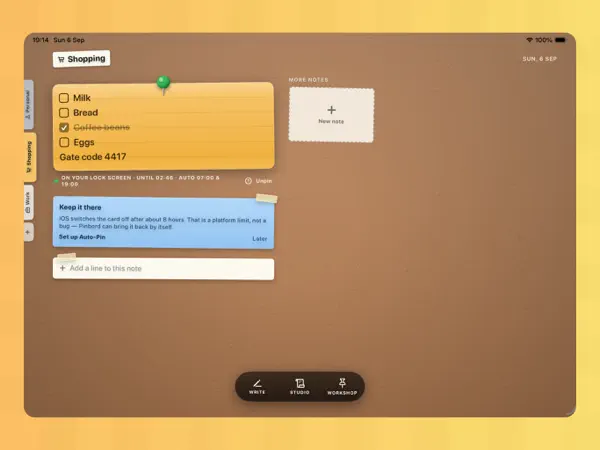
Other Lock Screen note apps rely on one iOS feature that the system switches off after a few hours — which is why your note keeps vanishing. Pinbord uses three: the big interactive card, a permanent Lock Screen widget, and an optional wallpaper. When the card expires, Pinbord brings it straight back — from a widget tap, Control Center, your Action Button, Siri, or a Shortcuts automation we help you set up in 20 seconds. Quietly: no buzzing, no notifications.
TICK IT OFF WITHOUT UNLOCKING
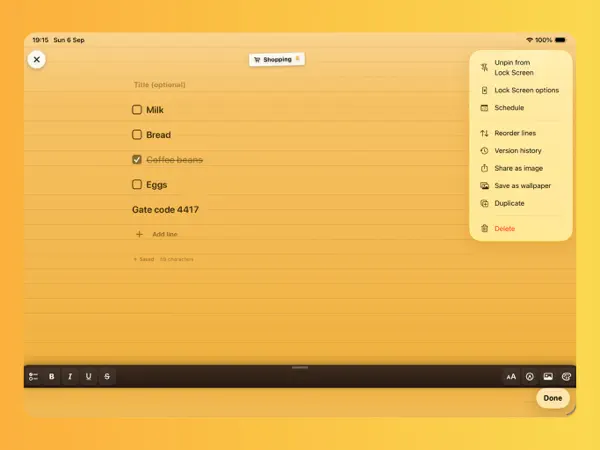
Tap a checkbox right on the Lock Screen. The note updates instantly. Completed items can hide themselves so your list stays clean.
MAKE IT YOURS
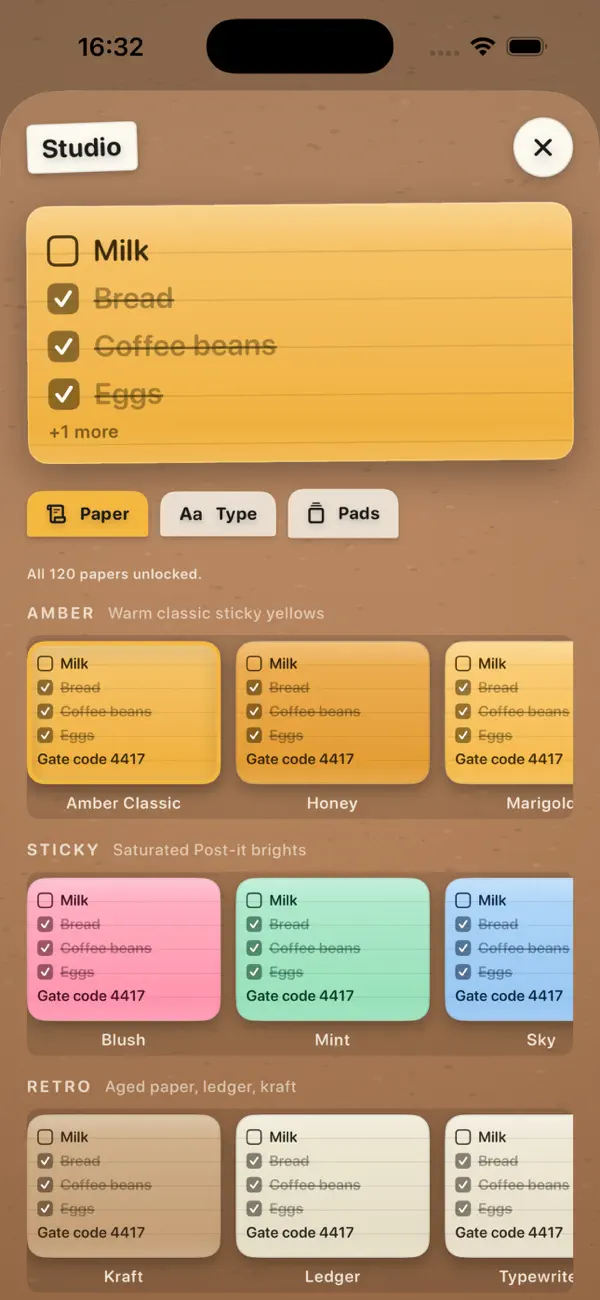
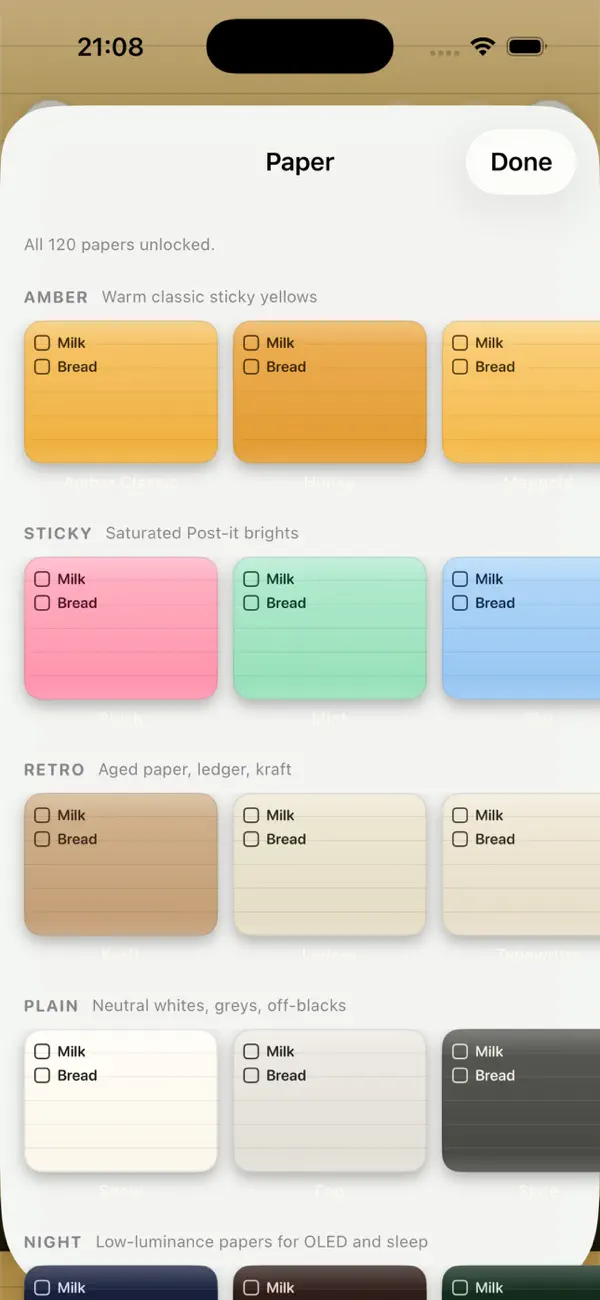
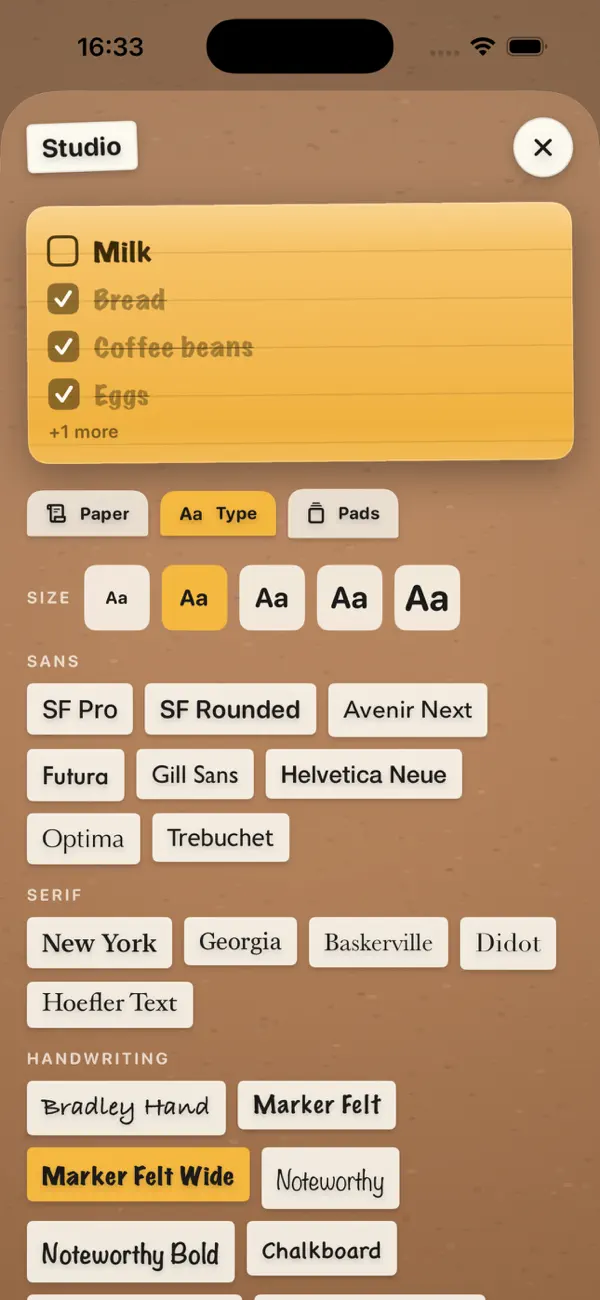
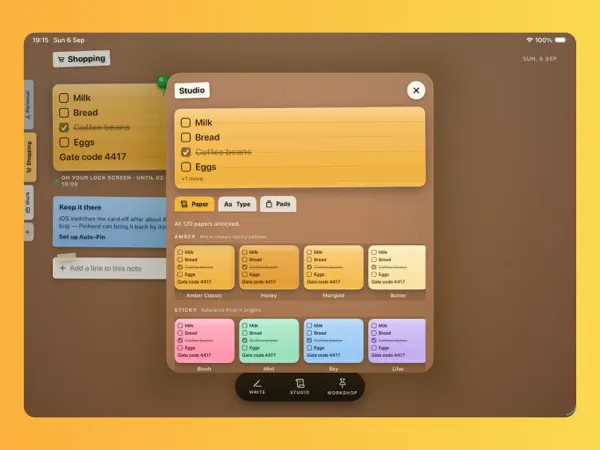
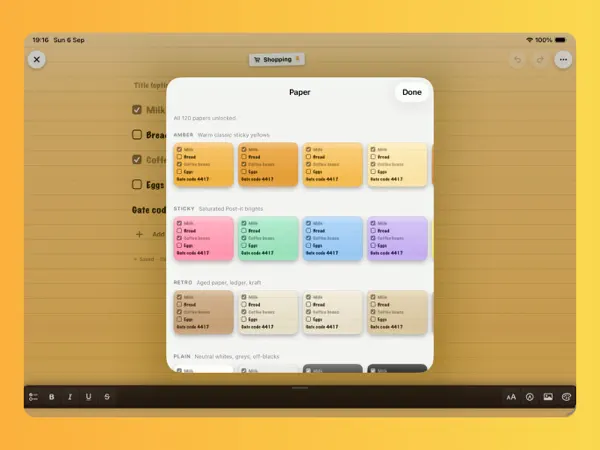
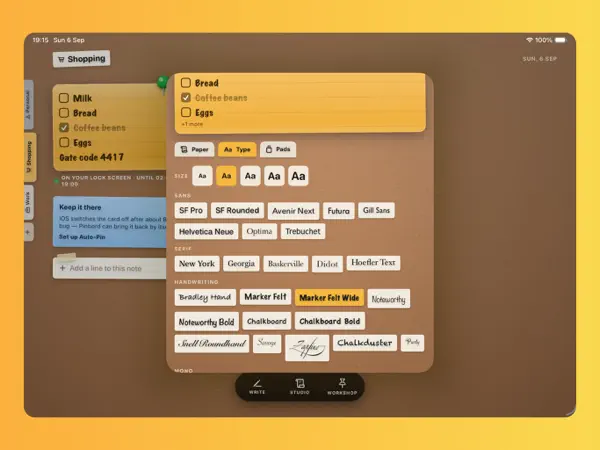
120 papers in eight families — amber, sticky, retro, plain, night, calm, clear and gradient. Lined, grid, dotted or blank. 30 fonts including handwriting styles. Draw with pen or marker. Add photos and stickers. Five text sizes, up to 34 pt, so it reads at arm's length.
BOARDS
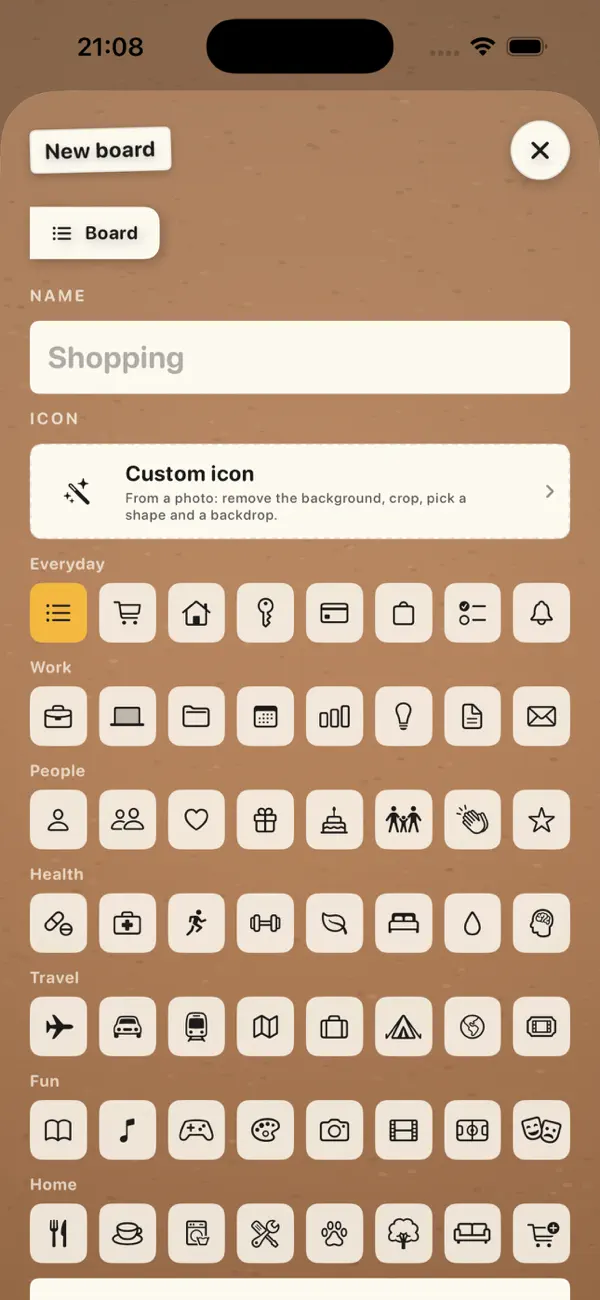
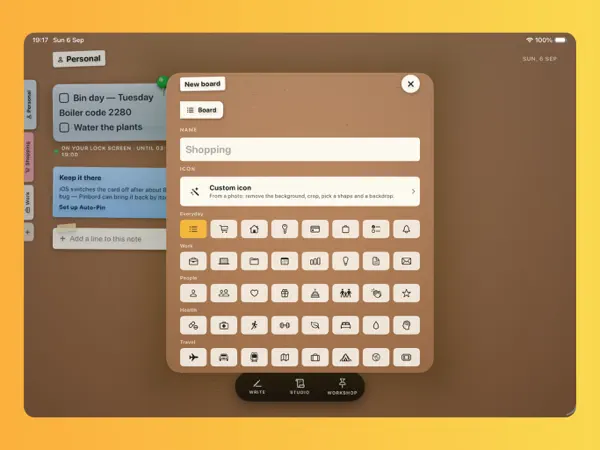
Keep Shopping, Work and Personal notes apart. Pin one, switch with Siri or from your Watch.
SCHEDULED PINS
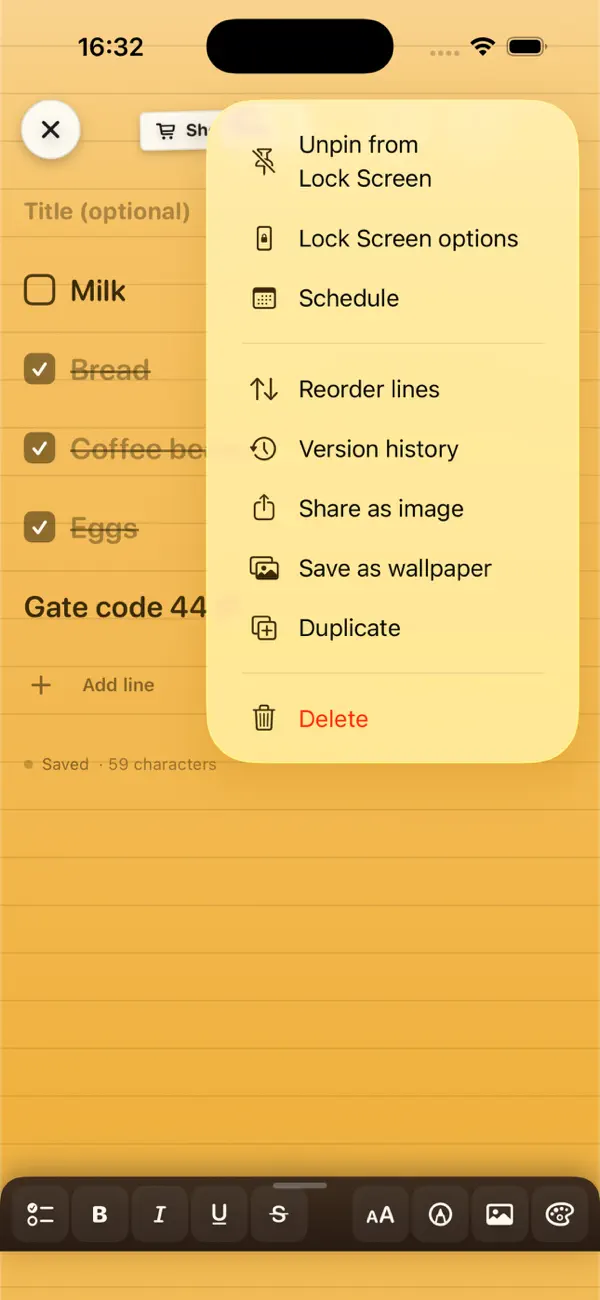
Set a note to appear on the days it matters — every Tuesday, on the 1st, or one specific morning.
EVERYWHERE YOU LOOK
iPhone, iPad, Apple Watch, StandBy, CarPlay Dashboard, Control Center, Action Button, Shortcuts and Siri. Optional private iCloud sync.
NEVER LOSE A WORD
Every edit is saved and every version is restorable. Undo and redo anywhere. Deleted notes wait 30 days.
PRIVATE BY DESIGN
No servers, no accounts, no third-party trackers. Notes stay on your device, or in your own private iCloud. Our privacy label says Data Not Collected — because we collect nothing.
FREE FOREVER
The Lock Screen note, checkboxes, widgets, boards, sync and 30 papers are free, permanently. Studio Pass unlocks the full design library, unlimited boards and images, private boards and unlimited Scheduled Pins — as a one-time Forever purchase or a subscription.
Subscriptions renew automatically unless cancelled at least 24 hours before the end of the current period and are charged to your Apple Account. Manage or cancel in Settings → Apple Account → Subscriptions.
Privacy Policy: https://orlproducts.com/pinbord-privacy.html
Terms of Use: https://www.apple.com/legal/internet-services/itunes/dev/stdeula/
Got ideas or feedback? Send them our way: info@orlproducts.com
Information
- Category
- Productivity
- Price
- Free to download
- Requires
- iOS 18.0 or later
- Works on
- iPhone, iPad, Apple Watch
- 2 languages
- English, Vietnamese
- Version
- 1.0, updated September 16, 2026
- Age rating
- 4+
- Developer
- ORIENTPRO (LA Investment and Trade JSC)
Help and policies
Questions about Pinbord? Write to us at info@orlproducts.com.